


Modern modular LabVIEW applications grow quickly, and without structured development they can become difficult to maintain, scale, and test.
The Workers framework for LabVIEW was designed around a simple but important principle:
Reuse is not primarily about saving time today.
It is about controlling complexity tomorrow.
The framework provides several structured ways to reuse functionality, each suited to a different design need. This allows you to build systems using:
reusable boilerplate
shared behavior
reusable functional modules
shared APIs with interchangeable implementations
Each of these represents a different architectural reuse pattern.
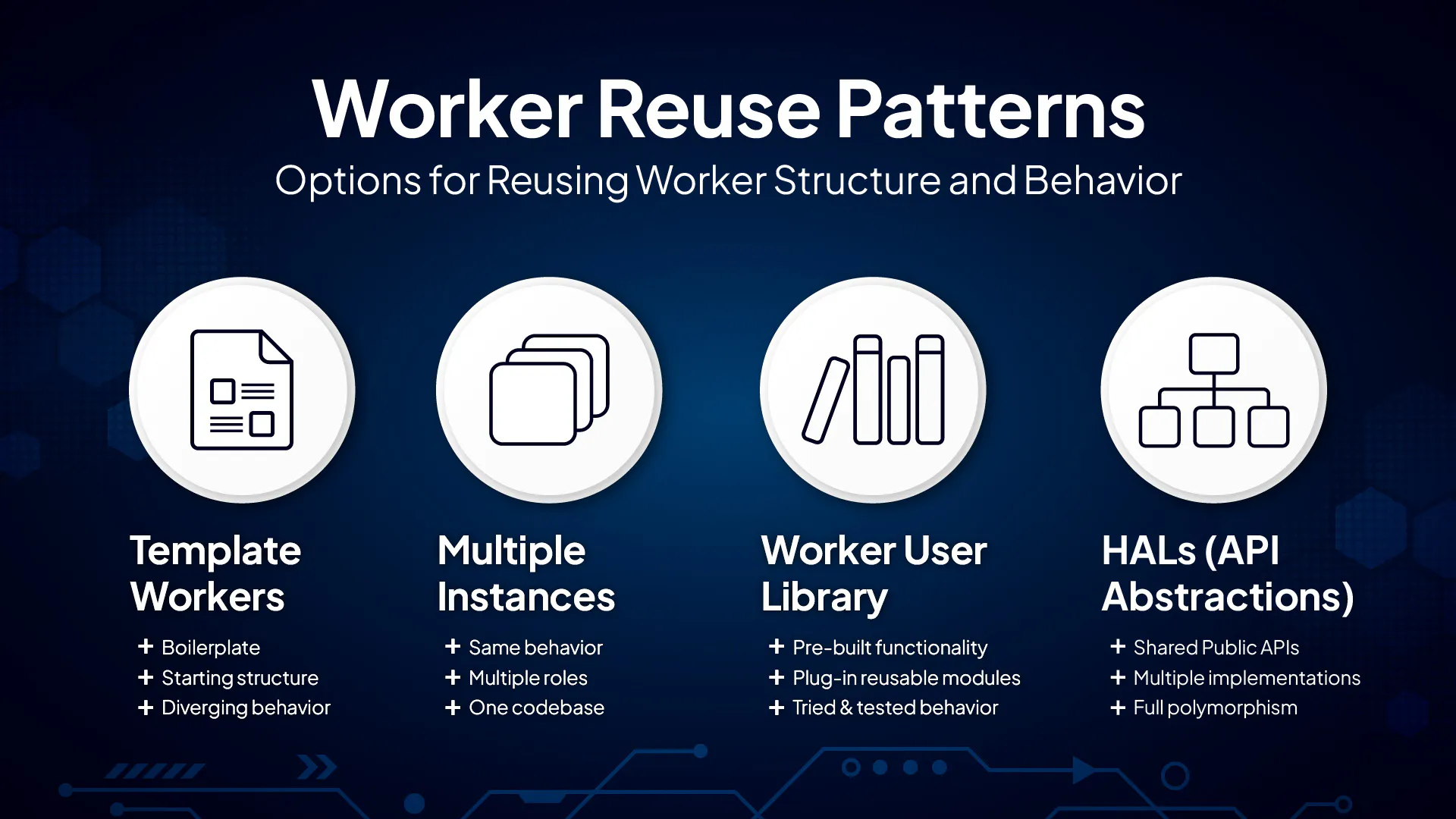
This article explains the four architectural reuse patterns available in the Workers framework and helps you understand when and where to use each.
Let’s get started.
1️⃣ Template Workers
Multiple different Workers that share the same starting boilerplate
Every time you create a new Worker using the Create/Add Worker tool, the framework generates it from a template. You can also define your own templates to establish consistent starting structures for future Workers.
Use a Worker template when you want to create new Workers that start with the same structure but will eventually diverge in behavior.
A template provides:
the same Main VI structure (MHL and/or EHL(s), default cases)
the same virtual folder layout
the same naming conventions and icons
Each generated Worker becomes its own independent asynchronous process at run-time. Changes made later to the template do not propagate to existing Workers.
Use a Worker template when:
You need several Workers that begin with the same boilerplate
The Workers will diverge in logic or purpose
You want consistent structure and style across your application
Example
The framework provides two default Worker templates:
Worker with EHL (EHL + MHL)
Worker without EHL (MHL only)
Every Worker you create begins from one of these templates and then evolves as you add custom functionality to it.
2️⃣ Multiple Instances
Same Worker, multiple roles
Every Worker is a class, which means you can create multiple instances of it at run-time. By either statically-linking the same Worker multiple times or dynamically loading it, you create multiple clones of the same Worker's Main VI, with each running independently.
Using multiple Worker instances gives you:
identical logic and behavior
the same Public API
differences only in Alias, configuration, or role
This is the most maintainable pattern when all instances behave the same.
At run-time, each Worker instance is assigned a unique alias and address, making it easy to identify and communicate with each instance in your application and from the Workers Debug Server.
Because all instances use the same Worker class, you maintain one codebase.
Use multiple Worker instances when:
All instances should behave identically
You want low maintenance overhead
You need only Alias or configuration differences
Example
You have one Worker class:
NI USB-6009 Device
You want to control three separate NI USB-6009 devices, so you add multiple static instances:
NI USB-6009 Device 1
NI USB-6009 Device 2
NI USB-6009 Device 3
All instances share the same implementation (i.e. logic) but represent different physical devices or logical channels.
3️⃣ Worker User Library
Pre-built, fully functional Workers reused across projects
The Worker User Library tool allows you to reuse entire, fully implemented Workers, not just structure or behavior, by adding a copy of a functional Worker (or library of Workers) directly into your LabVIEW projects.
Workers stored in your Worker User Library:
contain complete, working functionality
can be integrated into new applications using their Public APIs
help standardize functionality across teams and projects
eliminate the need to reimplement common features
become part of your organization’s internal “Worker toolbox”
These Workers are often team-developed, well-tested modules that can be dropped into new projects with confidence.
Use the Worker User Library when:
You want to reuse functionality, not just structure
A Worker already exists that solves your problem
You want consistent, proven behavior across projects
Your team wants a shared library of reusable Workers
Example
Your organization maintains reusable Workers such as:
Modbus TCP Client
OPC UA Tag Monitor
PID Controller
MySQL Data Logger
Digital Output Device
Once part of your Worker User Library, these modules can be added to any new application without recreating their functionality.
4️⃣ API Abstractions (e.g. HALs)
One Public API shared by multiple Workers
API abstraction is the most flexible form of Worker reuse. It is ideal when you need true polymorphic behavior:
Multiple Workers share the same Public API but implement different functionality internally.
This pattern is provided directly by the framework’s Public API Builder tool.
To implement this pattern, you create:
a Worker base class defining a shared Public API
multiple derived Workers implementing device-specific logic
Callers (and systems such as NI TestStand) interact only with the Public API defined in the base class. This is the abstraction layer. Specific implementations, i.e. the derived Workers, can then be loaded and swapped dynamically at run-time.
Use this pattern when:
Devices or logic vary behind a common Public API
You need run-time interchangeability
You want clean API polymorphism
You want maximum design flexibility
Example (taken from the Workers Training Course)
Base Worker class:
DMM HAL (shared Public API)
Derived Workers:
Fluke DMM (device logic)
Keysight DMM (device logic)
Keithley DMM (device logic)
All three Workers share the same Public API that exists in the DMM HAL base class but contain their own device-specific logic. The implemented behavior is abstracted behind the Public API in the base class.
🎯 Conclusion
The Workers framework for LabVIEW provides you with four flexible Worker reuse patterns, each suited to a different design need:
Template Workers establish consistent starting structure.
Multiple Instances reuse one implementation across multiple roles at run-time.
The Worker User Library enables reuse of complete functional modules across projects.
API Abstractions provides run-time flexibility through shared Public APIs and interchangeable implementations.
As your applications grow, you may find yourself using different reuse patterns for different parts of the system. The key is that you should never need to duplicate code when reuse is possible.
The Workers framework gives you the tools to build systems that are modular, maintainable, and scalable, whether you are developing a simple application or a large, multi-device, multi-team system.
Thanks for reading — and remember: architect first.
— Peter Scarfe, Creator of Workers for LabVIEW
📬 If you’d like to receive future articles like this directly in your inbox, consider joining the Workers Community website. By signing up, you’ll stay up to date with new articles, discussions, framework updates, and developments within the Workers ecosystem.